Market Intelligence Tools

VWAP, ATR & Volume — Professional Context Indicators

FREE / PRO

Use VWAP, ATR and volume tools alongside order-flow data to understand fair value, volatility and participation.

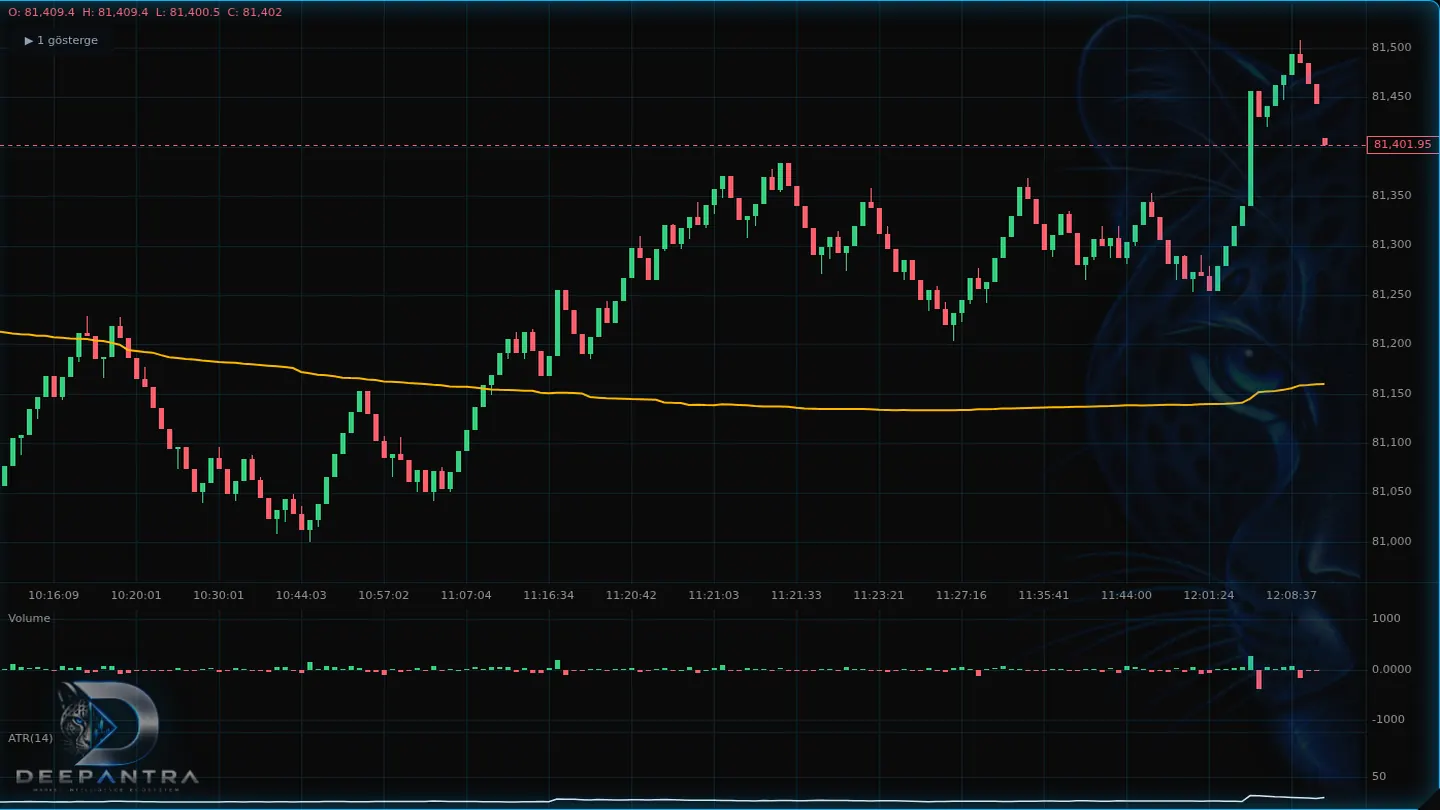
ProChart VWAP, ATR and volume tools used as professional context on a BTCUSDT chart
ProChart workspace

What it is

These are professional context indicators, not a separate order-flow product. VWAP is a fair-value and participation reference. ATR describes volatility and range. Volume shows how much traded. Deepantra places them on the same workspace as depth and order flow.
What it helps you see

  • Fair-value context
  • Volatility
  • Participation
  • Structure with order flow

VWAP, ATR and Volume

VWAP

A fair-value and participation reference based on volume-weighted price. It shows where the session or window has traded, not where price should go next.

ATR

A volatility and range-context measure. ATR describes how wide recent movement has been, helping you read stretch and compression.

Volume

Participation intensity. Volume shows how much traded, and pairs with order-flow tools for a fuller picture of activity.

How to read it

  1. VWAP is a volume-weighted reference for where the chosen window has traded.
  2. ATR describes how wide recent movement has been — stretch and compression context.
  3. Volume shows participation intensity and pairs with delta or footprint for a fuller read.
  4. Use them beside DOM Lines and order flow rather than in isolation.
  5. They describe structure and activity. They do not rank a setup.

Example on chart

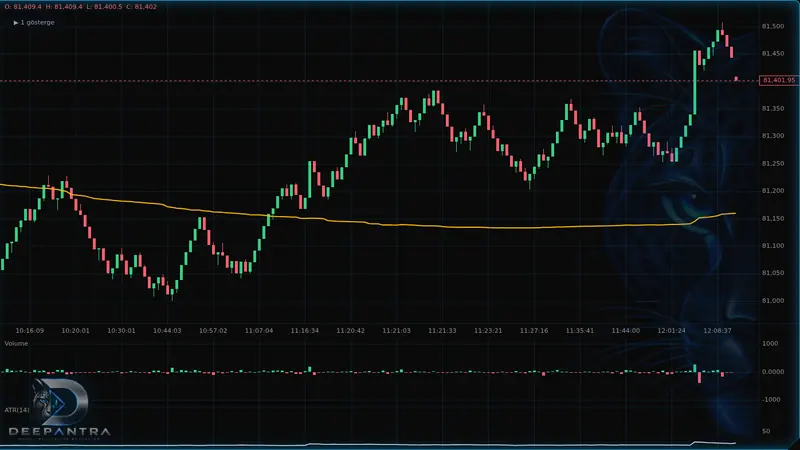
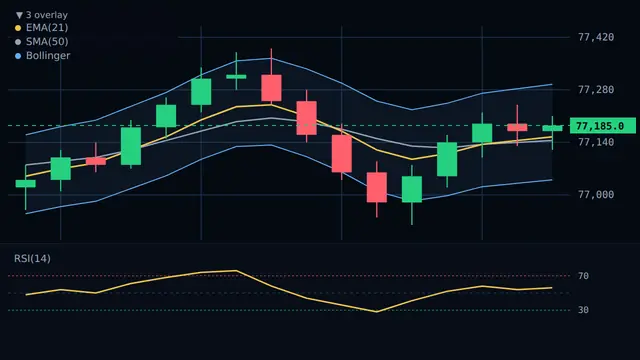
VWAP may sit through the heart of a session’s range as a fair-value reference, while ATR describes how wide recent bars have been and volume shows whether participation expanded. Together they add structure and volatility context next to order-flow tools.

Example ProChart layout with VWAP through the session range, ATR as volatility context, and volume as participation

Key parameters / controls

  • VWAP anchor — Session or window used as the VWAP participation reference.
  • ATR period — How many bars feed the volatility / range reading.
  • Volume average — Optional average so current participation can be compared with recent bars.
  • Band display — Show or hide VWAP or ATR bands used as visual range context.
  • Layout — Overlay on price, or a separate volume pane under the chart.

Package availability

ATR and volume are available on FREE; VWAP is available on PRO.

FREE / PRO

Deepantra tools support analysis and practice. They do not guarantee outcomes.